GPU Acceleration

Faster Simulation Through GPU Computing

Physics-based models used for virtual prototyping often involve substantial computational workloads. To reduce solution times, the COMSOL Multiphysics® software provides support for running simulations on the NVIDIA® accelerated computing platform.

By accelerating direct sparse solvers, time-explicit discontinuous Galerkin (dG) methods, and deep neural network (DNN) training, NVIDIA support enables faster simulation runtimes, making design iteration and decision-making much more efficient.

Contacter COMSOL
asdasdads

GPU-Accelerated Technologies

In COMSOL Multiphysics®, GPU acceleration takes advantage of the massively parallel Compute Unified Device Architecture (CUDA®) of the NVIDIA accelerated computing platform. With thousands of processing cores and high memory bandwidth, NVIDIA GPUs are well suited to the compute-intensive numerical operations typical in physics modeling.

The NVIDIA cuDSS (CUDA Accelerated Direct Sparse Solver) is fully integrated into the standard solver framework in COMSOL Multiphysics®, allowing existing models to benefit from GPU accelerations without changes to the physics settings. GPU acceleration is also available for deep neural network (DNN) surrogate model training.

The GPU-accelerated direct sparse solver and DNN training capabilities are included in the standard installation for all license types and only require compatible GPU hardware and drivers. Support for GPU-accelerated time-explicit pressure acoustics simulations is available with the Acoustics Module.

NVIDIA GPU Solver Technology

GPU-accelerated solver technology in COMSOL Multiphysics® reduces solution time for large, sparse systems.

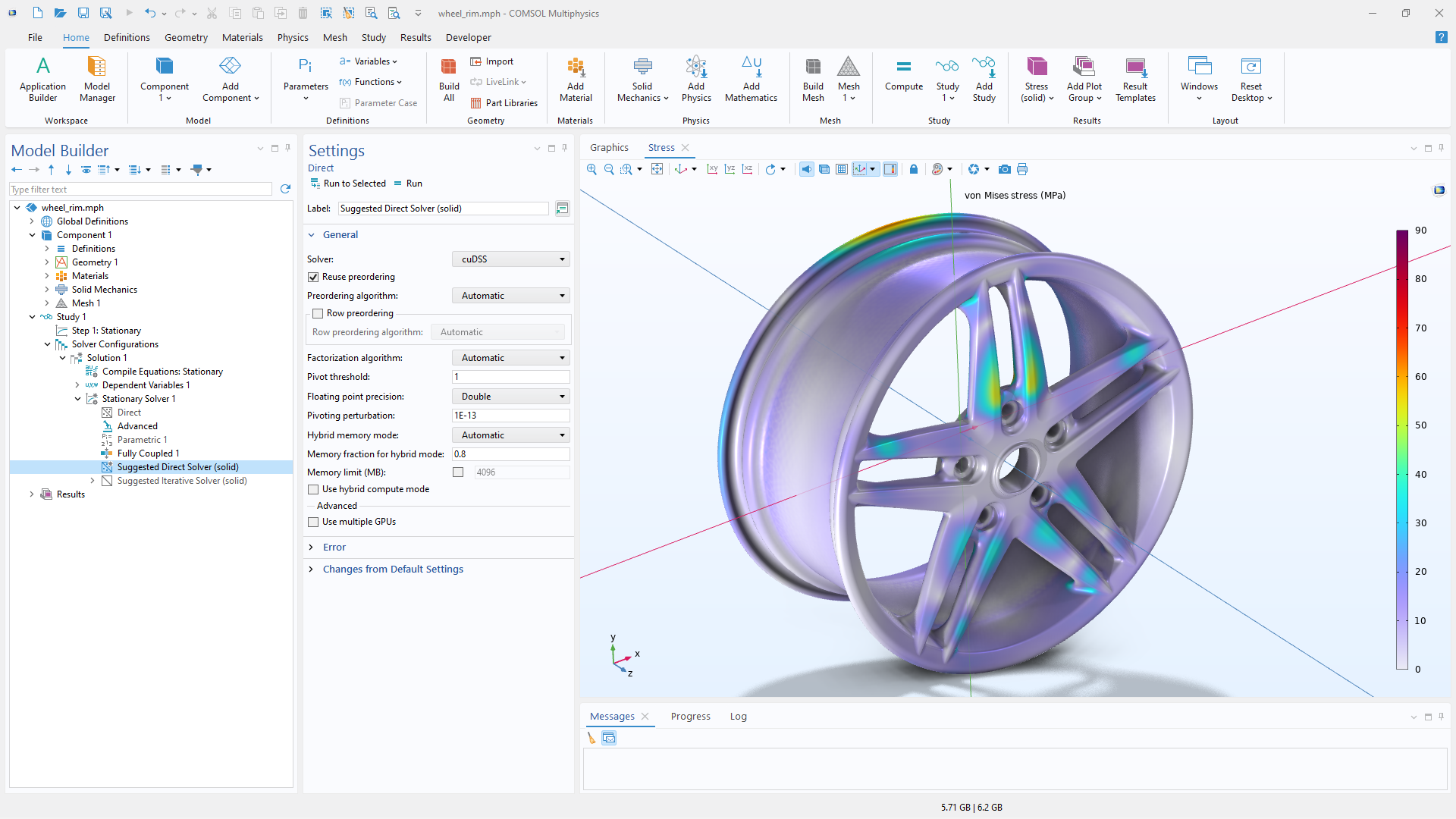
A close-up view of the Direct solver settings and a wheel rim model in the Graphics window.

NVIDIA cuDSS (CUDA Accelerated Direct Sparse Solver)

Direct solvers provide robust and reliable performance for a variety of analyses and are the default choice in many application areas, including structural mechanics. They are often preferred for strongly coupled multiphysics simulations, where they have proven to be the most reliable solution method.

NVIDIA cuDSS uses GPU acceleration to significantly speed up the solution of large sparse systems for a wide range of investigations, including:

  • Single-physics and multiphysics models
  • Time-dependent analyses
  • Parametric sweeps
  • Optimization studies

cuDSS supports both single and double precision and can be used either as a direct linear solver or within a preconditioner framework to replace MUMPS or PARDISO. For example, it can be used in a direct preconditioner, as a coarse solver in domain decomposition or multigrid methods, or as a domain solver in domain decomposition methods. cuDSS accelerates nonlinear iterations, implicit time-stepping methods, and continuation methods used in parametric studies. By speeding up the linear system solves at each iteration or time step, cuDSS improves overall simulation performance.

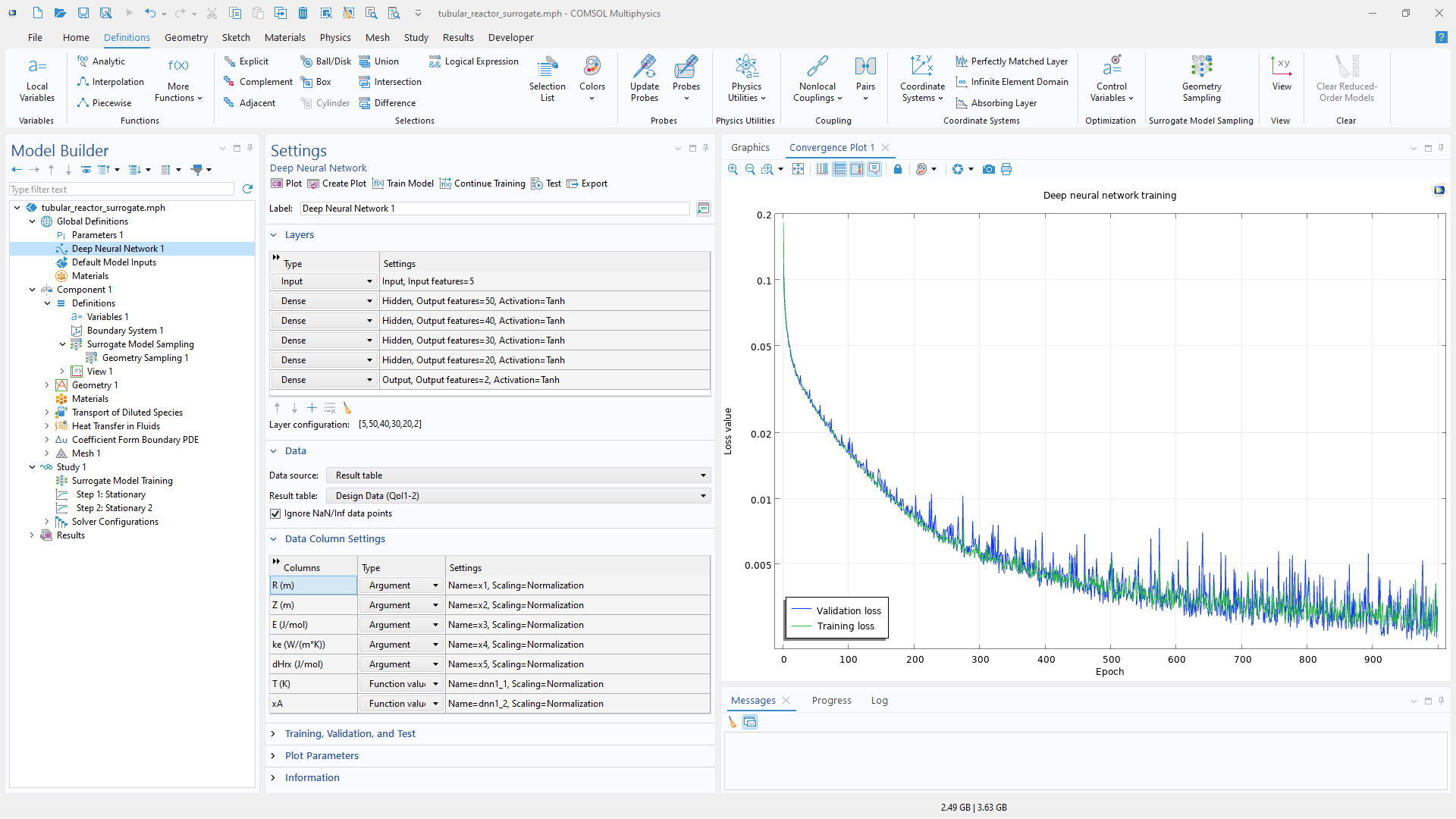
A close-up view of the Model Builder with the Deep Neural Network node highlighted and the corresponding Settings window.

Surrogate Model Training

GPU support for deep neural network (DNN) surrogate models significantly accelerates model training and enables faster development of models based on data generated from high-fidelity simulations. Training involves repeated matrix operations during forward and backward propagation, which map efficiently onto GPU hardware.

Using GPUs allows larger datasets and more complex network architectures to be handled efficiently, supporting the creation of surrogate models for near-instant evaluation in apps, digital twins, and optimization studies.

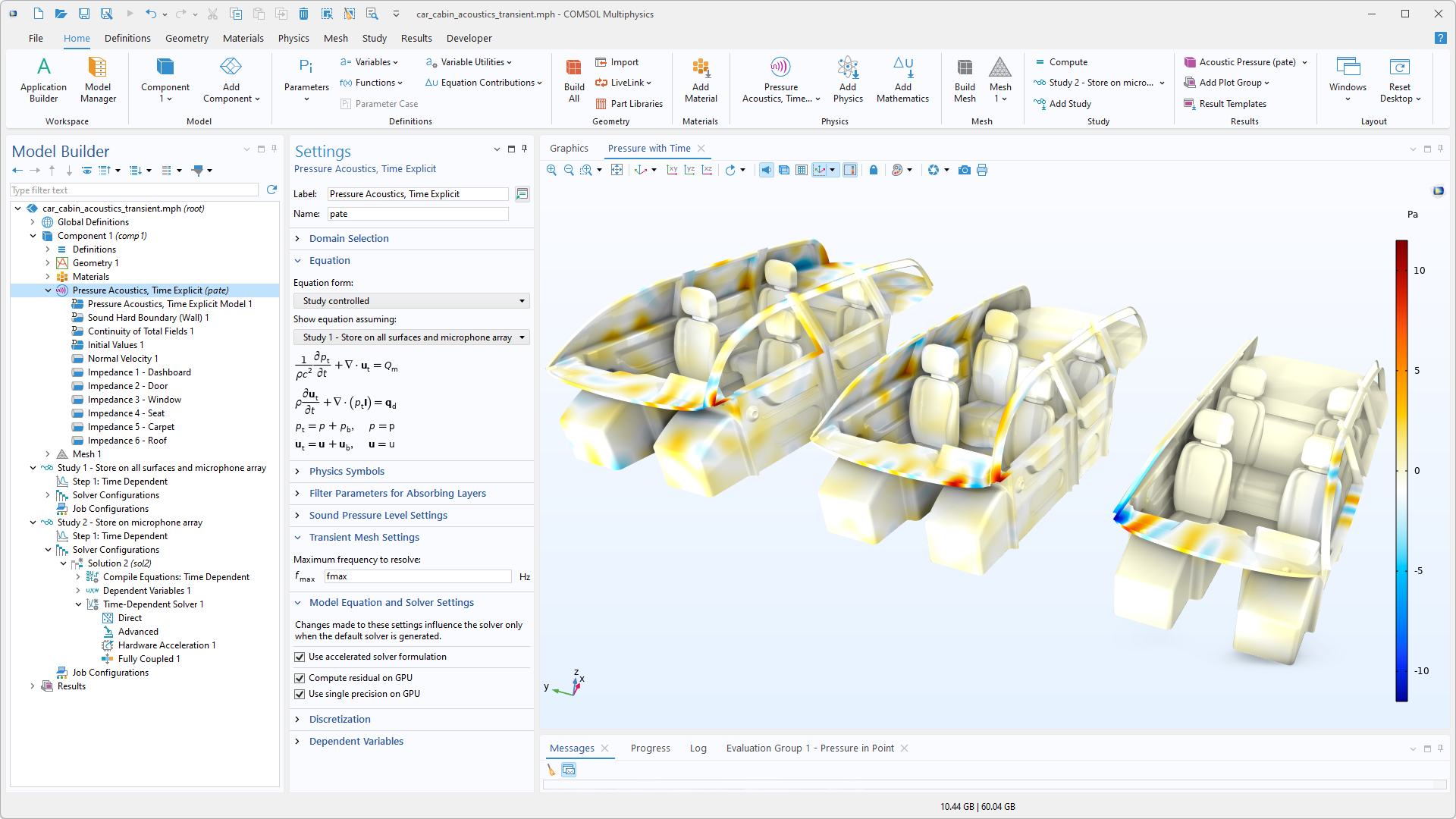
A close-up view of the Model Builder with the Pressure Acoustics, Time Explicit node highlighted and three car cabin models in the Graphics window.

Time-Explicit Pressure Acoustics

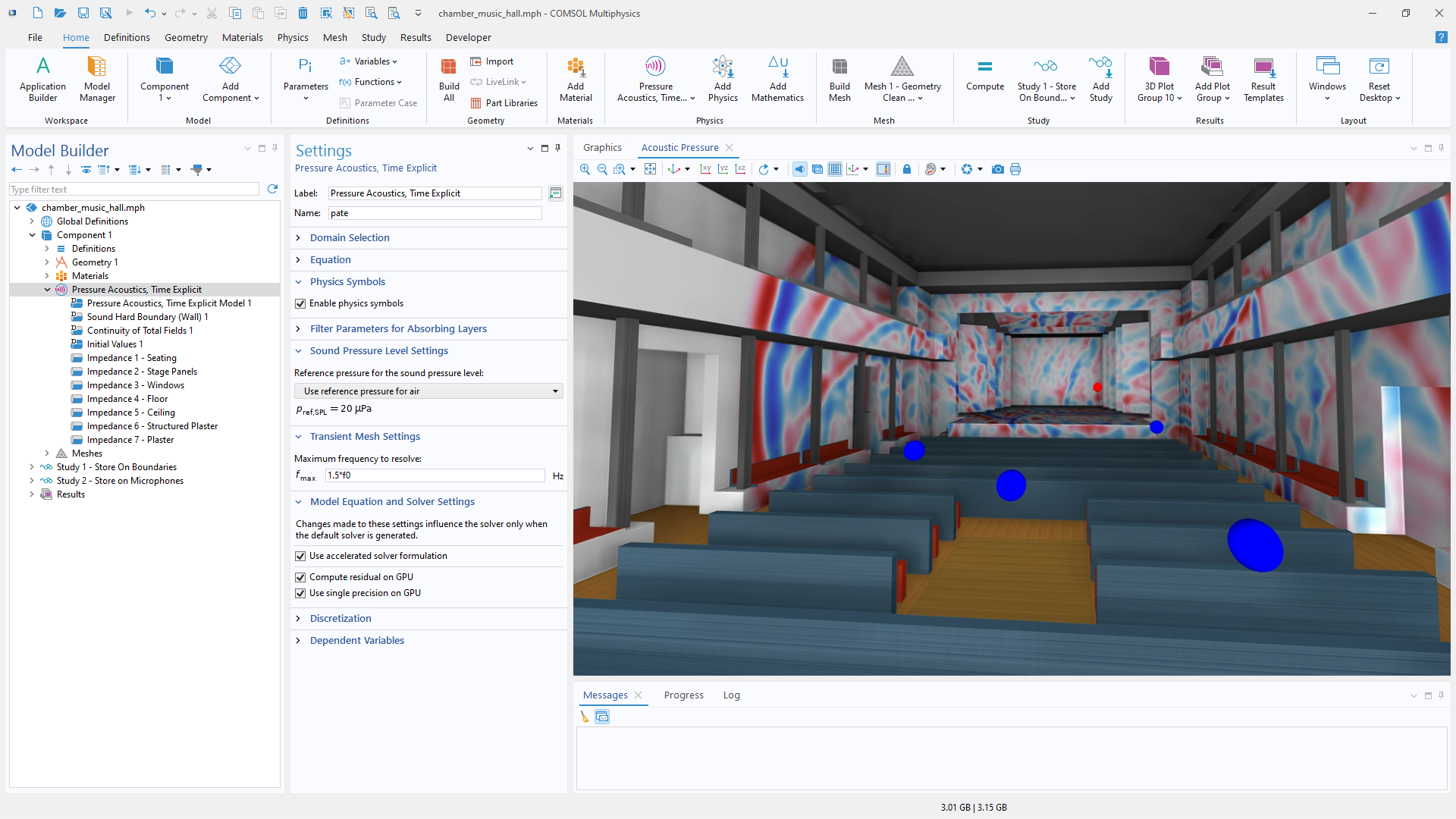
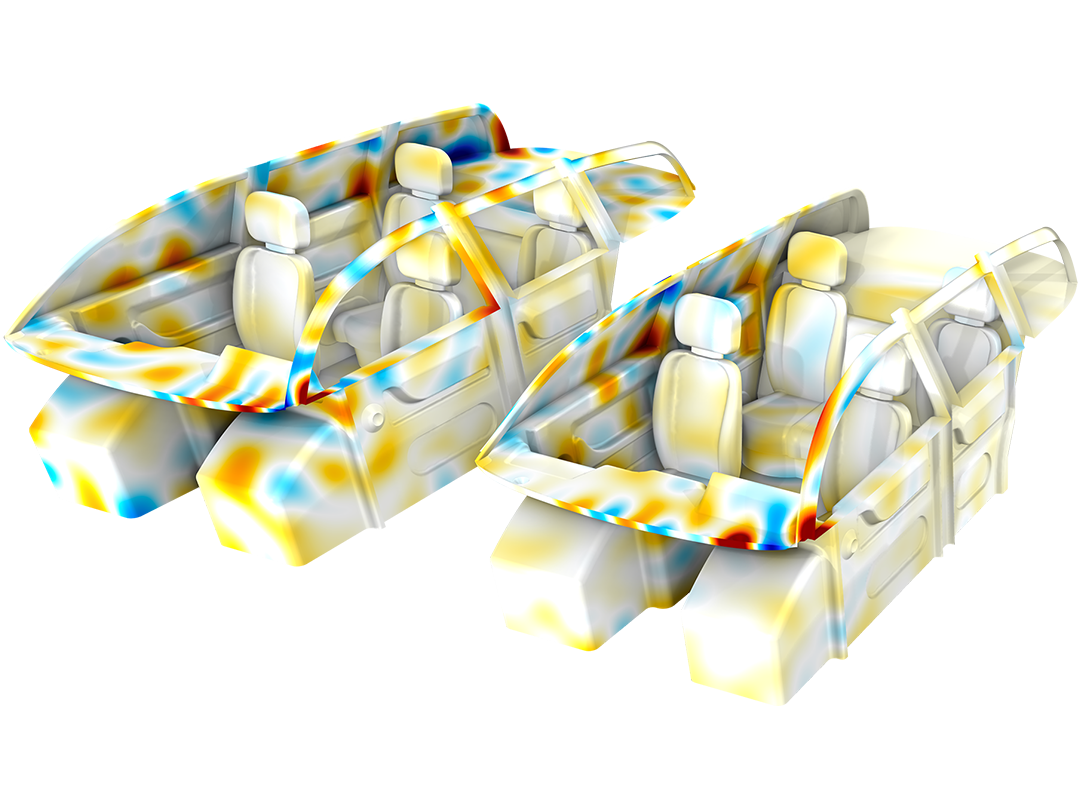
A time-explicit pressure acoustics formulation can be effectively applied to room and car cabin acoustics simulations. In COMSOL Multiphysics®, this formulation is based on a discontinuous Galerkin method with explicit time stepping, which avoids solving large linear systems at each time step and instead relies on repeated vector operations and local element updates. These operations are highly parallelizable and map efficiently onto NVIDIA GPU hardware and software. GPU acceleration is applied to the residual computations and supports both single and double precision.

A close-up view of the Pressure Acoustics, Time Explicit settings and a chamber music hall in the Graphics window.

Support for Multiple GPUs

Both NVIDIA cuDSS and time-explicit pressure acoustics simulations can be computed on multiple GPUs.

For models solved with cuDSS, multi-GPU support is available for all license types. It improves performance and increases capacity, since simulations on a single GPU are limited by the memory available on one GPU. By distributing computation and memory across several GPUs, larger models can be solved efficiently. For users with a floating network license, as of version 6.4 update 2, COMSOL Multiphysics® also supports running NVIDIA cuDSS with multiple GPUs on clusters using MPI interprocess communication.

Time-explicit pressure acoustics simulations can be run on multiple GPUs within a single machine and can also be distributed across GPU clusters. This capability is particularly valuable for large-room and in-cabin acoustics simulations, where fine spatial resolution and broad frequency ranges demand very large meshes and tens of thousands of time steps. By distributing the workload across multiple GPUs, simulation time is significantly reduced, enabling efficient modeling of more realistic scenarios. GPU-accelerated time-explicit pressure acoustics is available for all license types when using a single GPU, while multi-GPU computation requires a floating network license.

NVIDIA cuDSS Benchmarks

Benchmarking of multiphysics models with cuDSS has demonstrated speedups of up to five times or more compared to CPU-based direct solvers. The achievable speedup depends on the physics involved and the details of the model.

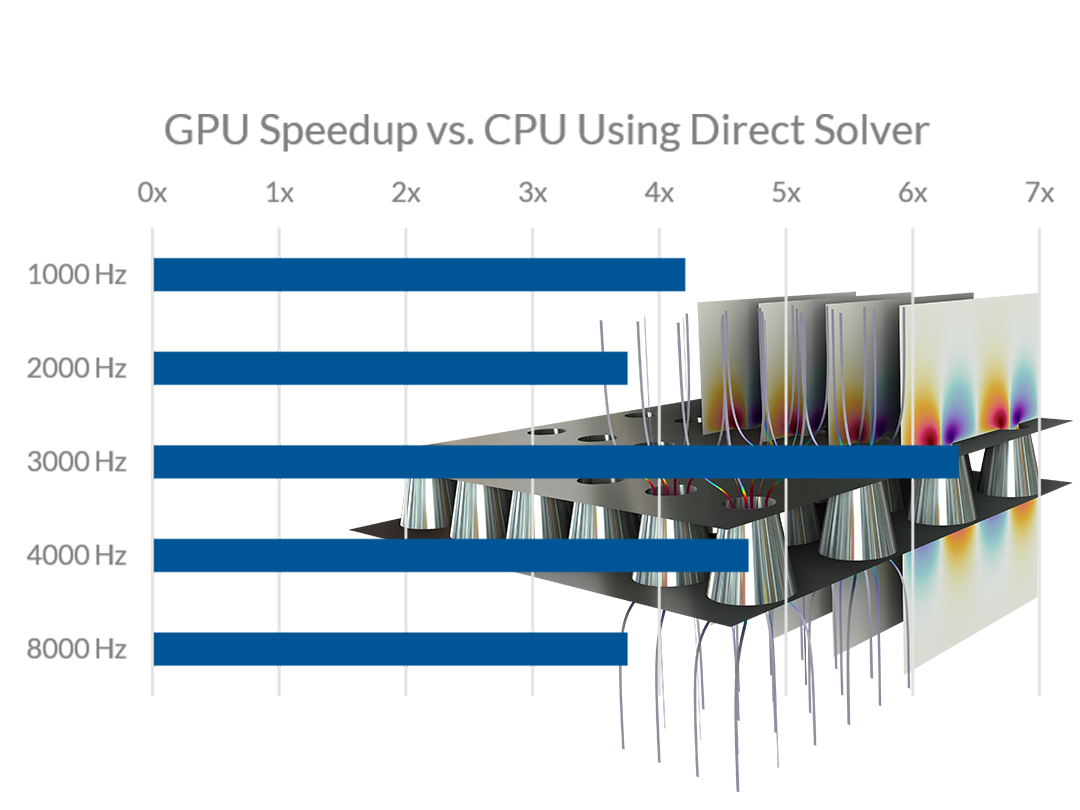
For example, in a thermoviscous acoustics model of a perforated plate used in mufflers and acoustic liners, benchmarking for model sizes between 0.9 and 4.5 million degrees of freedom (MDOFs) showed up to 6× speedup when solved with cuDSS on four NVIDIA H100 GPUs compared to a dual Intel® Xeon® Platinum 8260 system.

In a structural analysis of a wheel rim, a GPU-based solve on an NVIDIA RTX™ 5000 Ada Generation workstation GPU achieved a 2× speedup compared to a CPU-based solve on an Intel® W5-2465X processor.

Simulation Apps and Surrogate Models

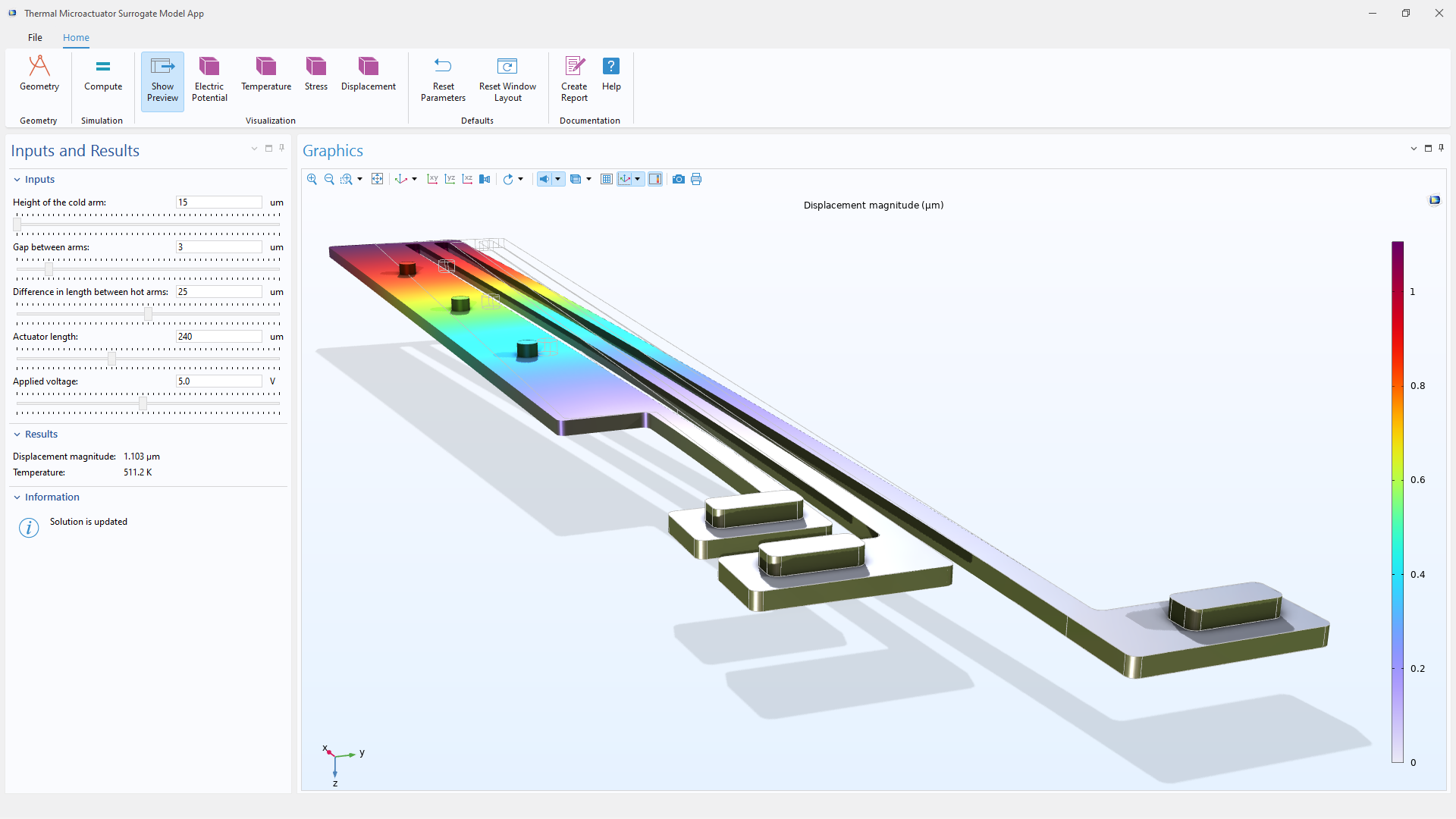
COMSOL Multiphysics® provides GPU acceleration for simulation apps created with the Application Builder. Apps based on high-fidelity models benefit from GPU-accelerated solvers for faster results, while those using DNN surrogate models can take advantage of GPUs for efficient training on large datasets and parameter spaces.

These performance gains also extend to compiled applications built with COMSOL Compiler™, enabling high-performance simulation tools to be distributed without requiring paid software licenses.

NVIDIA, CUDA, and NVIDIA RTX are trademarks and/or registered trademarks of NVIDIA Corporation in the U.S. and/or other countries. Intel, the Intel logo, Intel Core, and Xeon are trademarks of Intel Corporation in the U.S. and/or other countries.

Chaque activité et chaque besoin en matière de simulation est unique.

Afin d'évaluer pleinement si le logiciel COMSOL Multiphysics® répond ou non à vos exigences, nous vous invitons à nous contacter. En parlant à l'un de nos représentants, vous obtiendrez des recommandations personnalisées et des ressources détaillées qui vous aideront à tirer le meilleur parti de votre évaluation et vous guideront pour choisir l'option la plus adaptée à vos besoins en matière de licence.

Il vous suffit de cliquer sur le bouton "Contacter COMSOL", d'indiquer vos coordonnées et tout commentaire ou toute question spécifique et de soumettre votre demande. Vous recevrez une réponse d'un représentant de COMSOL très rapidement.

Prochaine étape:

Demander une démonstration du logiciel